Как передавать файлы между телефоном и ноутбуком без кабеля (гид 2026)
Сравнение пяти способов передачи файлов без кабеля, включая бесплатный браузерный P2P-обмен без лимитов, с сквозным шифрованием и без регистрации.
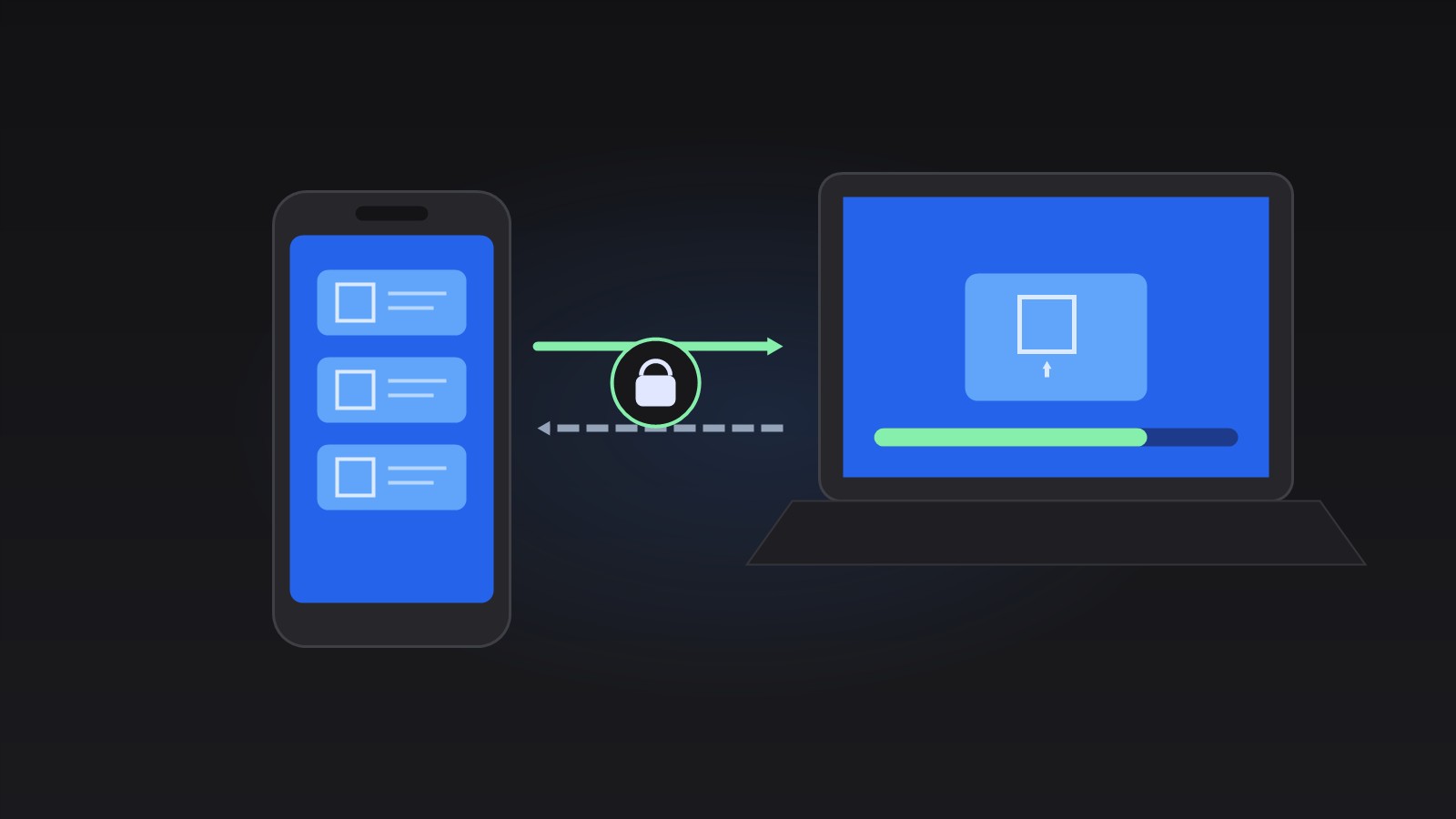
What Is the Best Way to Transfer Files Without a Cable?
For most people, a browser-based peer-to-peer transfer is the best all-round option: it needs no cable, no account, and has no size limit, and files never leave your devices. Here is how the five common methods compare.
| Method | Cable needed | Size limit | Files leave your devices | Setup |
|---|---|---|---|---|
| Browser P2P (File Transfer) | No | None | No — end-to-end encrypted | Open page, share 6-char code |
| USB cable | Yes | None | No | Cable + permission prompts |
| Cloud drive | No | 2–15 GB free tiers | Yes — uploaded to provider | Account on both devices |
| Messaging app | No | Typically 100 MB–2 GB, often recompressed | Yes — stored on servers | App + account on both devices |
| Email attachment | No | 20–25 MB | Yes — stored on servers | Account required |
USB is fine for a one-off sync at your desk. Cloud and messengers are convenient but copy your files to third-party servers and often cap or recompress them. Peer-to-peer in the browser gives you the speed of a direct connection with none of the storage trade-offs.
How to Send Files from Phone to Laptop with Your Browser
Our free File Transfer tool connects any two devices with a modern browser — Android to Windows, iPhone to Mac, tablet to PC — in four steps. Both devices need to be online at the same time.
- Open the tool on the sending device and click Create a room. You get a 6-character code and a QR code.
- On the receiving device, scan the QR code, open the shared link, or type the code into Join a room.
- Wait until both devices show as connected.
- Drag files into the drop area or tap to choose them. The transfer starts immediately and the file downloads on the other device.
File Transfer
Send files directly between your devices over an encrypted peer-to-peer connection — phone to laptop, tablet to PC. No upload, no signup, no file size limits.
Попробовать File Transfer →Is Browser-Based File Transfer Safe?
Yes, for moving files between your own devices it is a private method. The transfer uses WebRTC, the same technology that carries video calls, and WebRTC mandates end-to-end encryption — the data stream can only be decrypted by the two connected devices. A relaying service helps the devices find each other, but it never sees the file contents, and nothing is written to any server. Close the page and the room disappears.
One practical caution: only share the room code with the device you intend to pair. Anyone who enters the code while the room is open can join, so treat the code like a one-time password.
When Should You Still Use a Cable or the Cloud?
A USB cable remains the right choice for full phone backups and multi-gigabyte video libraries, because it does not depend on both devices staying awake and online. A cloud drive is hard to beat when you want files synced continuously across more than two devices or need a link to share with other people. For everything else — photos from tonight, a contract PDF, a voice memo — a direct browser transfer is the quickest path from one device to the other.